Make every product visual
feel intentional.
Drop in a capture, post, or screen flow. Frame it, light it, animate key moments, then export stills or GIF/WebM — fully in the browser.Drop in a capture, post, or screen flow. Frame it, light it, animate key moments on a timeline, then export polished stills or GIF/WebM demos — fully in the browser.

Product polish, without opening Figma.
Device frames
Pixel-true mockups for iPhone, iPad, Galaxy, Pixel, MacBook, iMac, Apple Watch, and browser chrome — Safari, Chrome, Arc.
Auto palettes
Backgrounds sampled directly from your capture. Gradients that actually belong.
Shadows & effects
8 shadow types — Drop, Soft, Hard, Glow, Float, Linear, Contact, Stack — with intensity and custom color.
Layers & assets
Stack text, images, and SVGs over your capture. z-index, opacity, blend modes, and filters per layer.
Annotations & text
Draw arrows, shapes, freehand strokes. Floating text with 100+ Google Fonts and blend modes.
Export anywhere
PNG, JPEG, or WebP at HD, 4K, or 8K. Copy to clipboard, share a public link, or render motion as GIF/WebM.
Timeline demos
Keyframe position, zoom, tilt, shadows, lighting, backgrounds, filters, and screenshot slots for animated product demos with optional audio.
Local-first
Edits stay in your browser. Nothing uploaded until you share. Host where you want.
Works offline
Keep the editor on your device in one click. It opens with no connection, and the design you were working on is still there — no account, no sync, no upload.
Multi-shot layouts
Up to 3 extra capture slots per canvas with layout presets — Side by Side, Depth Duo, Fan Out, and more.
X (Twitter) posts
Paste an X link to mock up the post — text, avatar, verified badge, images, stats, and quoted tweets, in Light, Dim, or Dark.
Bluesky posts
Drop a Bluesky link for the same treatment — author, avatar, images, and link-preview cards — themed and export-ready.
Capture from URL
Grab a live website by URL at a chosen device viewport — Tokokino takes the screenshot for you, no manual capture needed.
Custom presets
Save a polished look once, then re-apply the same layout, styling, and framing across future shots and drafts.
Bulk edit & preview
Arrange multiple canvases on one board, then preview them with Slide, Fade, Zoom, or Flip before export.
Starter templates
Ship-ready compositions for browsers, iPhone, iPad, and multi-device layouts — plus animated reveals. Drop in your capture and export.
Depth & focus
Portrait modes — Soft, Studio, Spot, Frame, Iris, and Stage — add depth-of-field so the subject reads first.
Share links
Publish any composition to a public link with view tracking, or copy straight to your clipboard — no export step needed.
Start from a template, not a blank canvas.
Ready-made compositions with frames, backdrops, shadows, and layouts already dialed in — including animated reveals that play out on a timeline. Pick one, drop in your capture, and it’s export-ready.

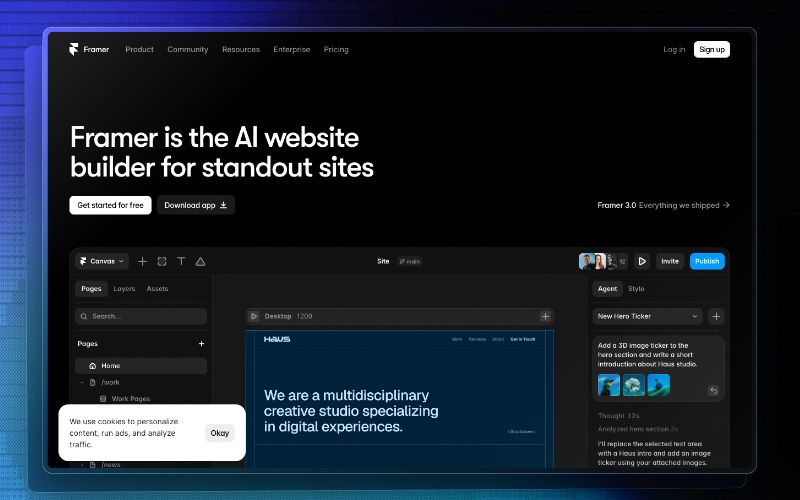
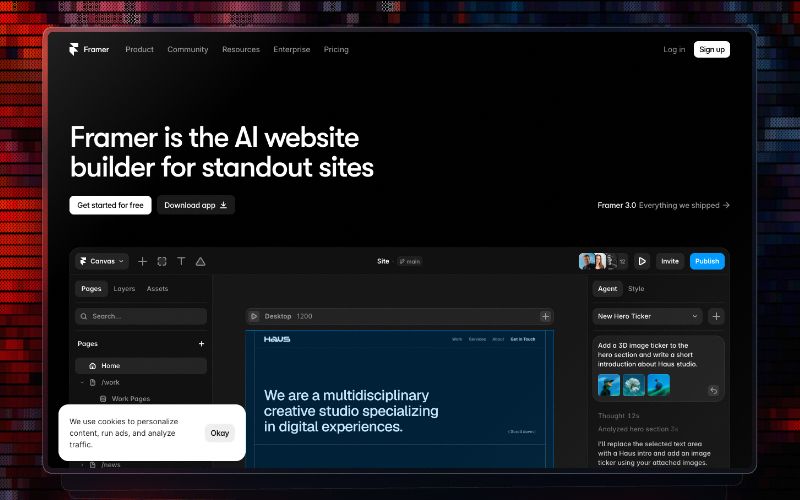


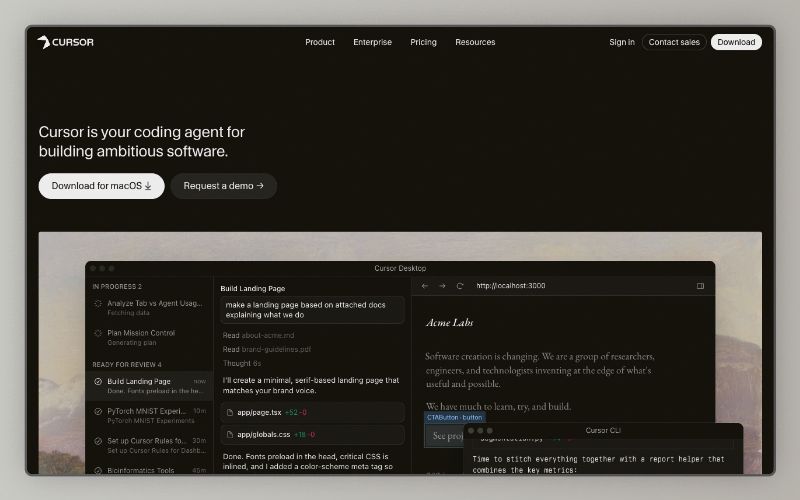

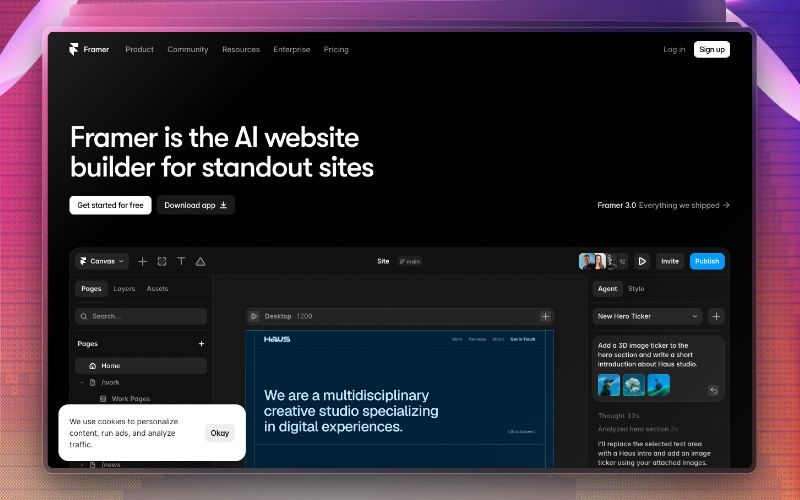
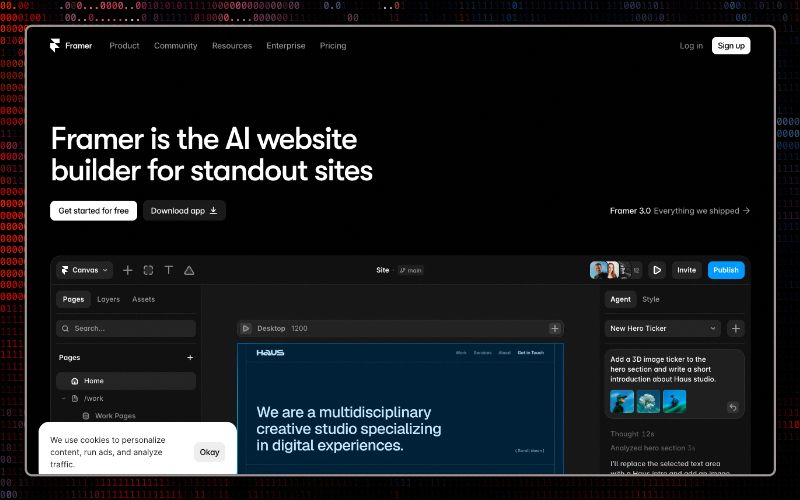


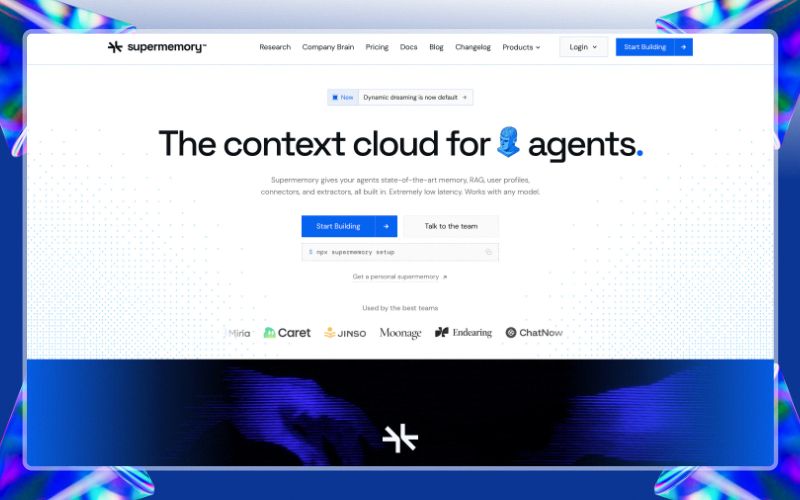
The product visual editor that does not turn every useful feature into a plan upgrade.
PostSpark, Pika, and Shots all make good-looking mockups. Tokokino is built for the part that should stay effortless: start from a template, drop a huge capture or screen recording, tune the layout, animate key moments on a timeline, save the project, reuse the preset, and export clean 4K/8K stills or GIF/WebM/MP4 motion without a watermark or subscription.
Versus PostSpark
Closest match for screenshots, X/Bluesky posts, and video mockups. Strong template library plus animation/zoom — but video mockups, deeper timeline motion, no-limits usage, and cloud storage sit behind PostSpark Pro.
Tokokino
Tokokino keeps the workflow lean: starter image + animation templates, local editing that keeps working with no connection, free high-res stills, an editable keyframe timeline with GIF/WebM/MP4 export, free cloud drafts, and reusable presets without a subscription meter.
Versus Pika
A polished browser editor with URL capture, tweet shots, and dozens of static mockup templates. It stays image-first — no keyframe timeline or GIF/WebM product demos — and 4K export, presets, annotations, WebP/SVG, and no watermark are Pro.
Tokokino
Tokokino covers the launch loop end-to-end: free starter templates (including animated reveals), 4K/8K stills, timeline animation, GIF/WebM/MP4 export, annotations, custom presets, and Bluesky post mockups in the free product.
Versus Shots.so
Strong for device frames, magic backgrounds, and preset-based animated mockups / video zoom. Serious motion export (WebM, animation presets) is on paid tiers, templates are lighter, and there are no social-post mockups.
Tokokino
Tokokino is the editable-timeline lane: device + browser frames, multi-shot layouts, X/Bluesky posts, free animation templates, local-first editing, and timeline-driven scene changes you can export as GIF/WebM/MP4.
Made for product visuals that need to move or ship fast.
Tokokino keeps repeat visual work short: choose the right frame, apply a sharp backdrop, add context, animate the key moments, then export.
Launch posts
Turn a raw app capture or short motion sequence into a clean social card for X, Product Hunt, LinkedIn, or a changelog.
Product demo clips
Animate zooms, tilts, lighting, backgrounds, and multi-shot transitions on a timeline for quick GIF/WebM demos.
Feature announcements
Add arrows, labels, overlays, multi-shot layouts, and timeline beats when one image needs a little narrative.
Docs and guides
Create readable UI stills or short walkthrough animations without dragging every asset through a design file.
A guided tour of the editor for stills and demos.
The preview uses the same editor surface behind screenshots, social mockups, and timeline animations. Click a step to move the spotlight over the matching part of the flow.
Read the full walkthroughCommon questions
Questions, ideas, or bugs?
Send a note, follow updates, or open the source. Tokokino is built in public and small thoughtful messages are very welcome.
Screenshots and demos
polish that ships.
Create professional screenshots, device mockups, and animated product demos with clean framing, timeline edits, and export-ready output.